

Looking for betting apps in Lesotho and wondering whether you actually need one, or whether the mobile website does the same job? For most Basotho bettors, the honest answer is: it depends on the operator, your phone, and what you actually use betting for day to day. This guide walks through how these apps are usually downloaded and installed on Android and iOS, what to check for compatibility, which features are worth paying attention to, and how the six operators already reviewed on Winner.ls — SpinCity, World Star Betting, betPawa, Bwinners, 1xBet and G-Bets — compare on app availability. They’re listed here in alphabetical order throughout, with the same questions asked of each one.
Betting Apps in Lesotho: Do You Really Need to Install One?
A dedicated app isn’t strictly necessary to bet online in Lesotho — every operator’s mobile website works in a phone browser, and several also offer a “lite” or progressive web app that behaves like an installed app without using store space. What a native app usually adds is faster loading on repeat visits, push notifications for odds changes or settled bets, and sometimes a slightly smoother live-betting screen. None of that changes what you’re actually betting on; it’s a convenience layer on top of the same account and the same markets.
Why Most of These Apps Aren’t on the Google Play Store
This is the part that trips up a lot of first-time users. Google’s developer policy restricts real-money gambling apps from the Play Store in many countries, which is why betting operators across Southern Africa — not just the ones covered here — typically distribute their Android app as a direct APK file from their own website rather than through Play Store search. That’s not a red flag specific to any single brand; it’s the standard route for this category of app in the region. It does mean you’ll need to enable installation from a source other than the Play Store, a setting that varies slightly by phone and Android version.
Installing an Android APK Safely
- Open the operator’s official website directly — not a link from a forum, SMS or unfamiliar ad
- Find the “App” or “Download” button, usually in the main menu or site footer
- Download the APK file, then allow your browser to install apps from outside the Play Store when prompted
- Open the downloaded file and follow the install prompts
- Log in with your existing account rather than registering again
Stick to the operator’s own domain for the download link. Several third-party “APK download” pages exist for these apps, and some have been reported to point to unrelated software rather than the real betting app, so a search engine result is not the same thing as an official source.
What About iPhone and iOS?
iOS availability is the most inconsistent part of this picture, and it genuinely varies by operator and can change over time. Some betting brands maintain an app listed directly in the Apple App Store; others rely entirely on the mobile website, sometimes offering a “save to home screen” shortcut that looks and behaves like an app without going through the App Store at all. Rather than assume either way, search the operator’s name directly in the App Store, and if nothing comes up, check their site for a home-screen shortcut option before concluding there’s no iPhone option at all.
Compatibility: What to Check Before You Download
- Operating system version — older phones may not meet the minimum Android or iOS version a newer app build requires
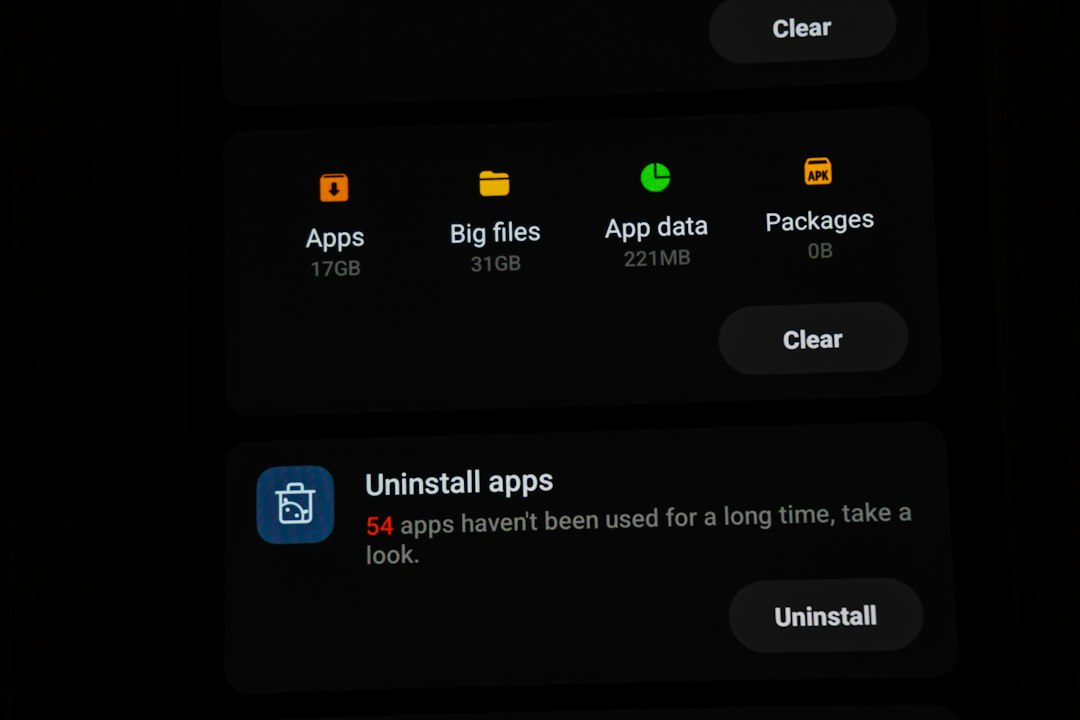
- Storage space — sports betting and casino apps with live streaming or slot graphics tend to be larger than a typical utility app
- Data usage — if you’re on a limited data bundle, check whether the operator offers a lighter “lite” version, since live odds feeds and in-play video can use noticeably more data than browsing the mobile site
- Source authenticity — confirm the download page URL matches the operator’s own domain before installing anything
Features Worth Comparing in a Betting App
Beyond simply “does it install,” a few features actually change how useful an app is day to day:
- Live odds updates — odds that refresh in real time during a match, rather than needing a manual page reload
- Cash-out — the option to settle a bet early, before the match or event finishes, usually at an adjusted price
- Mobile payment support — whether the app’s cashier integrates directly with mobile money services such as M-Pesa or EcoCash, rather than requiring you to switch to a separate payment app
- Push notifications — alerts for settled bets, odds boosts or deposit confirmations without needing the app open
On mobile payments specifically: support for M-Pesa or EcoCash can differ between operators and between account types, and it’s exactly the kind of detail that’s worth confirming inside the app’s own cashier page rather than assuming. Our guide to depositing and withdrawing with M-Pesa and EcoCash in Lesotho walks through what to check and how the process generally works once you’re in.
Comparing App Availability: SpinCity, World Star Betting, betPawa, Bwinners, 1xBet and G-Bets
The table below lists the six operators already reviewed on Winner.ls in alphabetical order, using the same two questions for each: is there an Android app, and is there an iOS app. This reflects publicly available information from each operator’s own site and store listings at the time of writing — availability by country and over time can change, so treat this as a starting point and confirm directly on the operator’s own app page before you download anything.
| Operator | Android app | iOS app | Notes |
|---|---|---|---|
| 1xBet | Yes — APK or Play Store depending on country | Yes — listed in the App Store in several markets | Full account management, live odds and cash-out available in-app according to the operator’s own app description |
| betPawa | Yes — direct APK from the official site | No native app found; mobile site/PWA used instead | Operates country-specific domains, so the correct download page depends on your market |
| Bwinners | Yes — direct APK from the official site | No native app found; mobile site used instead | Same APK-distribution pattern as most operators in this list |
| G-Bets | Yes — direct APK from the official site | Listed in the App Store according to most recent sources, though availability has been reported inconsistently | Worth double-checking the App Store listing directly given the mixed reports |
| SpinCity | Yes — APK, with a PWA “add to home screen” option on some regional sites | Yes — listed in the App Store in some markets | Also offers a browser-based PWA as an alternative to installing either native app |
| World Star Betting | Yes — direct APK, including a lighter version for older devices/limited data | No iOS app found at the time of writing | Country-specific APK versions exist, including a Lesotho-specific download page |
None of these six is presented here as “the best app” — that comparison depends on what you actually use the app for (live betting, casino slots, or simple pre-match wagers), and on which of these operators is even available to you. For a broader side-by-side on bonuses, markets and registration rather than just the app, see our comparison of sports betting sites in Lesotho.
Staying Safe When Installing a Betting App
- Only download from the operator’s own official domain, never a shortened link, forum post or unofficial APK mirror
- Check the app asks for permissions that make sense (storage, notifications) rather than excessive access unrelated to betting
- Keep the app updated through the same official source you used to install it
- Never share your login details to “verify” an app installation — no legitimate operator asks for this
Frequently Asked Questions About Betting Apps in Lesotho
Do I need to download an app to bet in Lesotho?
No. Every operator’s mobile website works directly in your phone browser without installing anything. An app can be faster and more convenient, but it isn’t a requirement to place a bet.
Why aren’t these betting apps on the Google Play Store?
Google’s own policy restricts real-money gambling apps from the Play Store in many countries, which is why most betting operators distribute an Android APK directly from their own website instead. This applies broadly across the industry, not to any single operator in particular.
Is it safe to install an APK file for a betting app?
It can be, provided the file comes directly from the operator’s own official website rather than a third-party download page. Enabling “install from unknown sources” only for that download, and reverting the setting afterwards, reduces the risk further.
How do I know if an app supports M-Pesa or EcoCash?
Check the cashier or payments section inside the app itself after logging in — supported methods are usually listed there, and this is the most reliable way to confirm, since support can vary between operators and can change over time.
Can I use these betting apps on an iPhone?
Some operators list a native app in the Apple App Store, while others only offer their mobile website or a browser-based “add to home screen” shortcut. Search the operator’s name directly in the App Store to check, since this varies by brand and sometimes by country.